This site
A static Astro site that works without JavaScript, reads in order without CSS and behaves the same in every browser engine, with tests that hold it to that.
- tech stack
- my role
- Design and build, with Claude Code alongside
- timeline
- Rebuilt in 2026
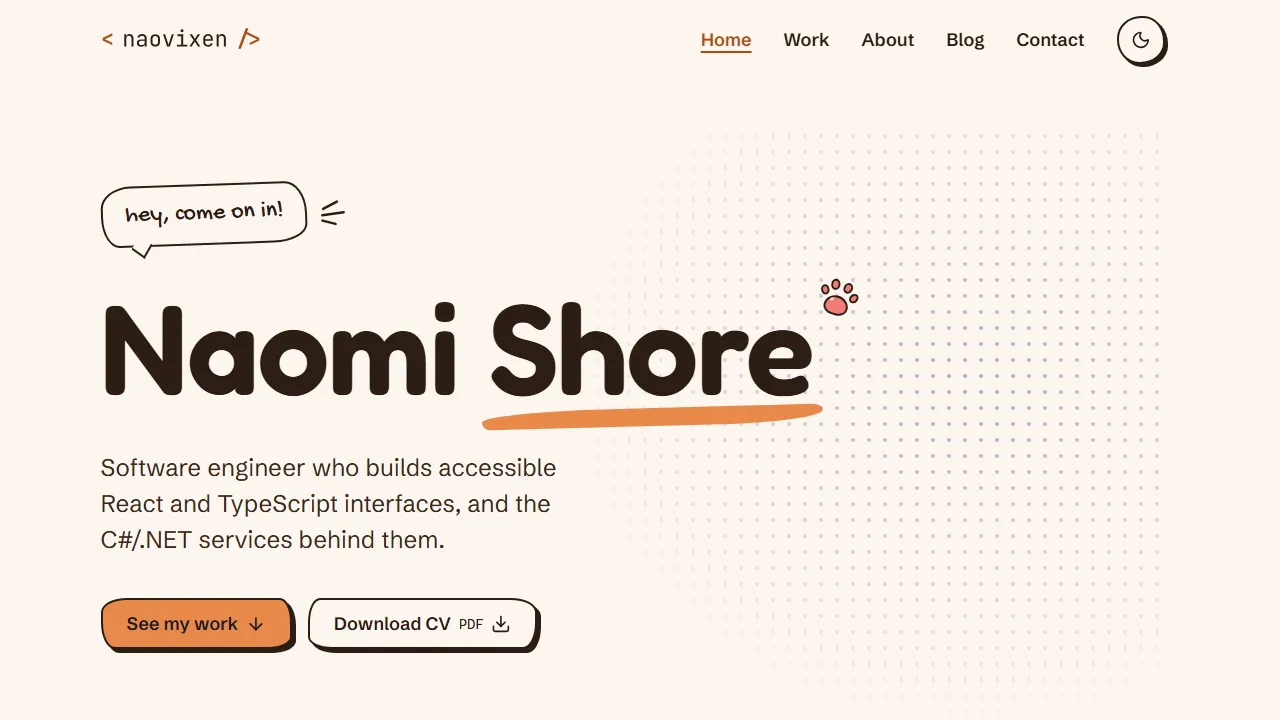
You’re looking at it. The code is in a private repository, but you can check every principle below from your own browser: turn off JavaScript, turn off page styles, or open the site in Firefox and Safari as well as Chrome.
The problem
The first version of this site was a React app built with TanStack Start, reading its content from a headless CMS. That stack suits a product, but this site has one author and seven mostly static pages. The CMS, the package boundaries and about 160 KB of client script cost more than they gave back, and a front-end developer’s portfolio should show the kind of front end I’d argue for.
So I rebuilt it as a single Astro project that builds to plain HTML. Posts and case studies are MDX files in the repository, publishing is a push, and every branch gets its own preview.
The principles
Four rules sit in the project guide, where every change is measured against them:
- WCAG 2.2 AA is the floor. A design detail that can’t be built accessibly gets rethought.
- Every current browser gets the same experience. I only build on features that Chromium, Firefox and Safari all ship, and where one lags I look for an approach that works in all three.
- HTML and CSS come first. Every page works and keeps its layout with JavaScript off, and reads in order with styles off. Script is for the jobs HTML and CSS can’t do.
- Readable code beats clever code. Functions are 25 lines at most and files 400, and the linter enforces both.
My approach
Native elements first
The narrow-screen menu is a modal <dialog>, opened and closed by invoker commands. The browser handles focus, Escape and making the page behind it inert, so none of that needs script:
<button commandfor="menu" command="show-modal">Menu</button>

<dialog id="menu" aria-label="Menu">
    <button commandfor="menu" command="close">Close menu</button>
    <!-- navigation links -->
</dialog>
The theme works the same way. Every colour is a light-dark() pair, so the site follows the reader’s system setting with no script at all. A small script in the head applies a theme the reader chose on an earlier visit, and the theme switch only appears when script is running, so nobody is offered a control that does nothing.
Search is the one feature that can’t work without script. It runs in the browser over a small JSON index, and without script the topic pages stand in for it.
Keeping pages light
Every page shares one stylesheet of about 9 KB compressed. Code blocks use the reader’s own monospace font, which saved a 40 KB font download on every page; the logo keeps its typeface because it’s drawn as SVG from the font’s outlines. Skill logos come from one SVG sprite. Inlined, they made up two thirds of the home page’s compressed HTML.
From my design to tokens
I designed the site myself. The design had around 35 spacing values, 30 type sizes and a dozen radii, and in the build I collapsed those onto short token scales. Where a value differs from the design by a pixel or two, that’s deliberate. The animations are the exception, and I copied their values exactly.
Challenges
The hardest part was a browser difference with no clean fix. I wanted the menu to slide away as you follow a link from it. Cross-document view transitions would do that without script, but Firefox hasn’t shipped them and they can’t be polyfilled. So with script on, Astro’s client router changes pages in place and swaps everything except the header. The open menu is the same element on the next page and closes with its own CSS transition. Without script, a link is an ordinary page load. It’s on my list to revisit once Firefox ships them.
The menu’s exit animation had another cross-browser catch. Firefox and Safari take a closed dialog off the screen straight away, before any transition can run, and the CSS property that prevents that is Chromium’s alone. So the closed menu stays rendered and hides with visibility once its slide has finished, which still takes it out of the tab order and the accessibility tree.
Colour had a catch of its own. No single orange reaches 4.5:1 as text on both the light and the dark background, so the accent has one value for fills and a separate text value for each theme.
How the principles are enforced
End-to-end tests run against the built site in Chromium, Firefox and WebKit, each with script on and off:
projects: engines.flatMap(({ name, device }) => [
    { name, use: { ...device } },
    { name: `${name}-no-js`, use: { ...device, javaScriptEnabled: false } },
]),
Every route is scanned against axe’s WCAG 2.2 AA rules in light and dark mode, with and without its scripts. Another test strips every stylesheet and checks that the page still reads cleanly. In CI, Lighthouse takes the median of three mobile runs on five page types and fails the build if accessibility, best practices or SEO score below 100, or performance below 95.
Automated checks find only some problems, so the plan includes a screen reader pass with NVDA as well. I can’t test on real Safari, so WebKit stands in for it.
lesson learnt
Back every principle with something that fails
Each rule here has a lint rule, a test project or a Lighthouse budget behind it, so it holds on a busy day and when an AI agent wrote the change.
Working with an AI agent
I built the site with Claude Code. A short project guide sets out the principles, rules scoped to TypeScript, CSS, Astro and tests load only when they apply, and a decisions log records the reasoning the code can’t show, so nobody undoes a choice by mistake. I review every change the agent makes the way I’d review a colleague’s, and if I can’t explain a diff, it doesn’t ship.